

ATLAS
Building a Lean Design Practice from the Ground Up
PRODUCT Atlas for Business Services
CLIENT AT&T
TEAM Research Lead, UX Lead (Me), 2 Designers, 3 Client Designers, 3 Client Research Designers
PROCESS Design Sprint
YEAR 2020
ROLE UX Lead & Researcher
RESPONSIBILITIES:
Built the team's design practice through regular 1:1s and collaborative reviews, helping members develop their skills while establishing shared working standards
Created a desktop design system with documentation that educated the team on implementation best practices
Led the Atlas desktop design and coached team members on prototyping approaches
Partnered with the Research Lead to develop usability study interview guides
Established a framework for writing effective user stories and requirements
The Challenge
AT&T engaged my team to design an app for their Business Service Technicians.
We expected to build something new, but the actual scope was different: join AT&T's newly formed design team to work through a backlog of vague, technically complex user stories using their existing mobile app (Atlas) and design system, both originally built for residential technicians.
STARTING POINT
What We Inherited
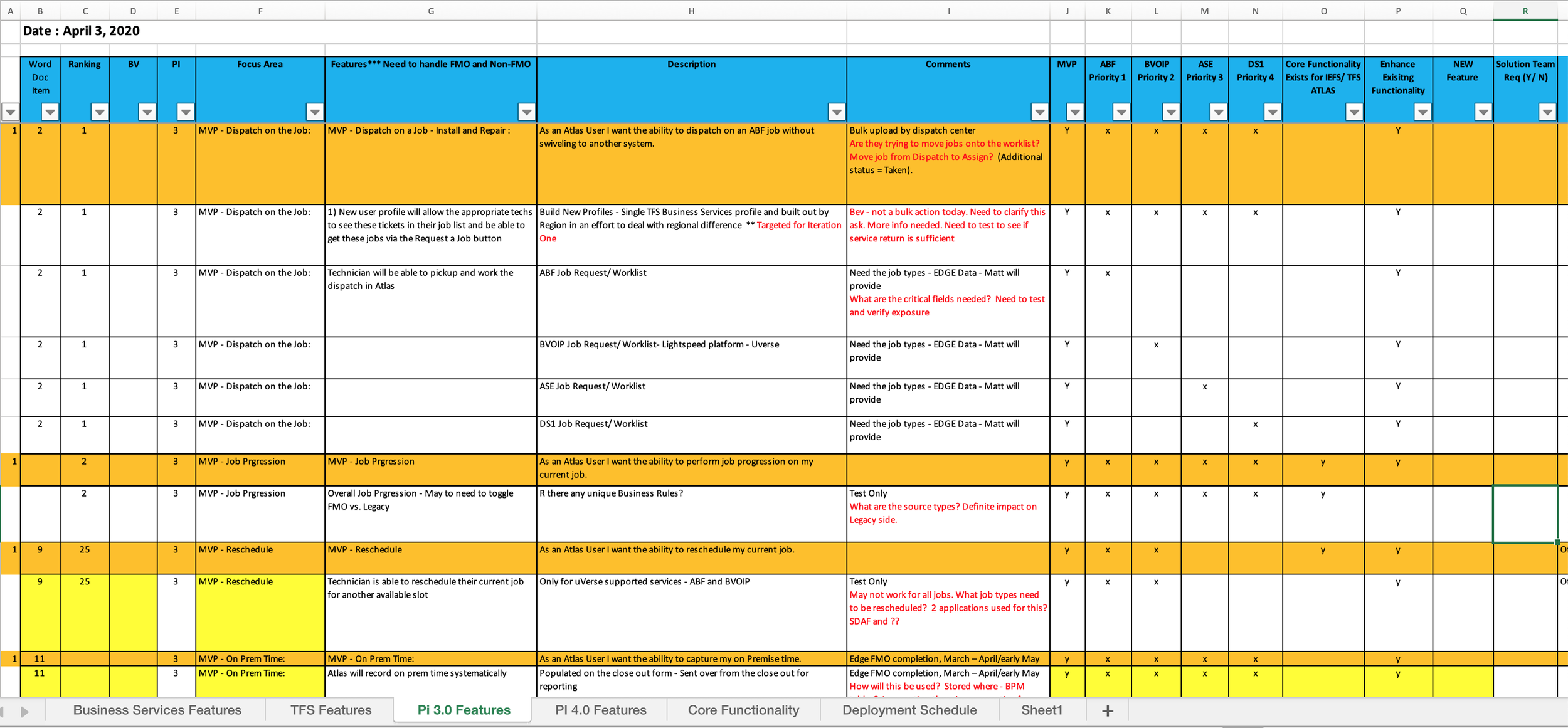
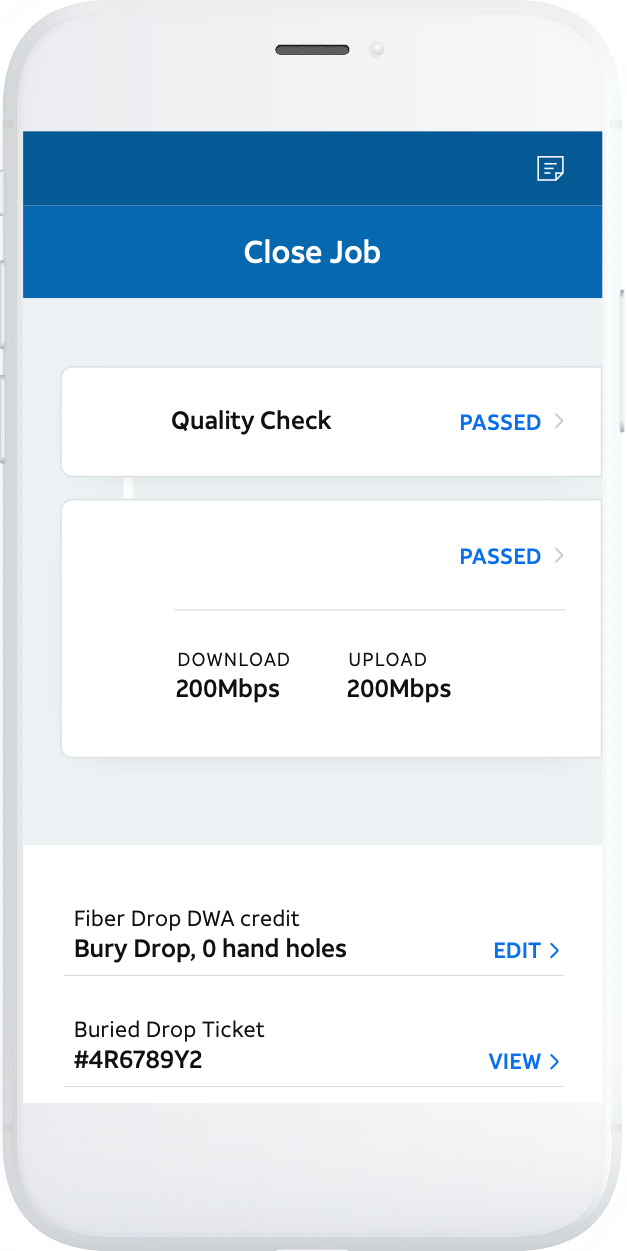
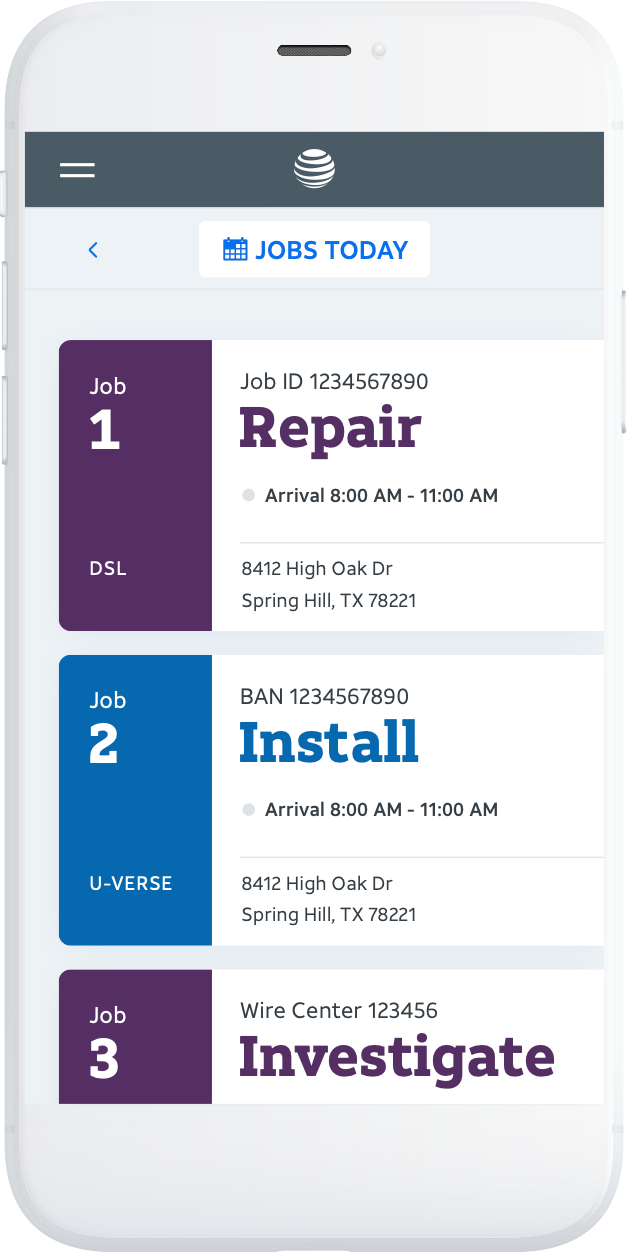
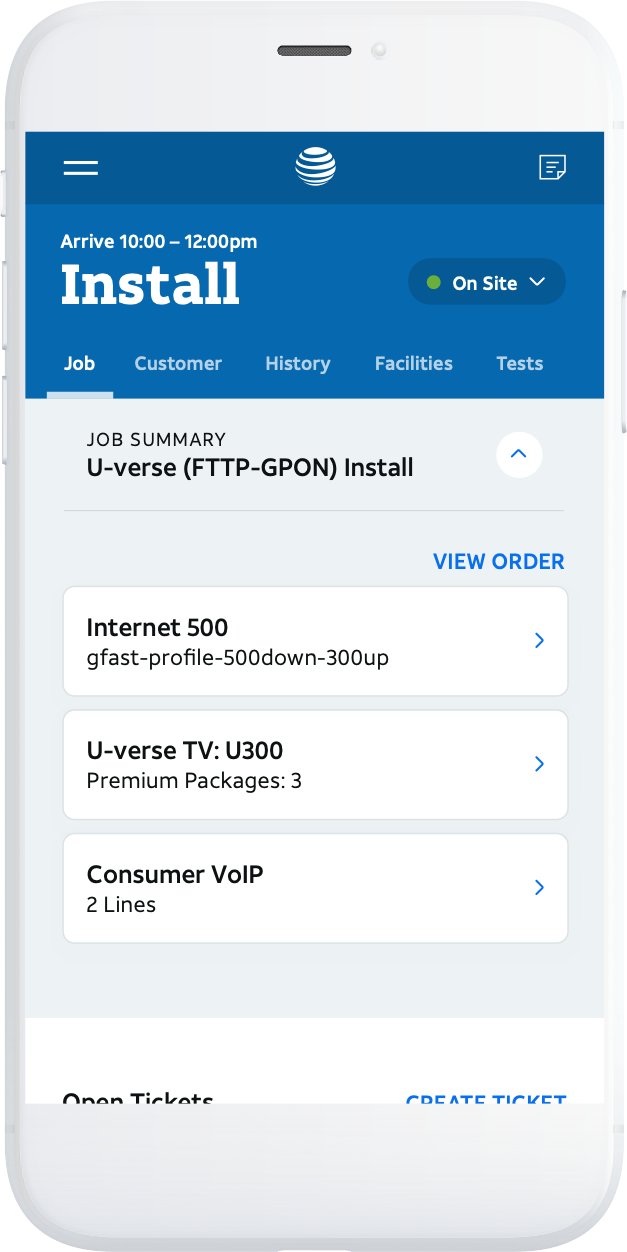
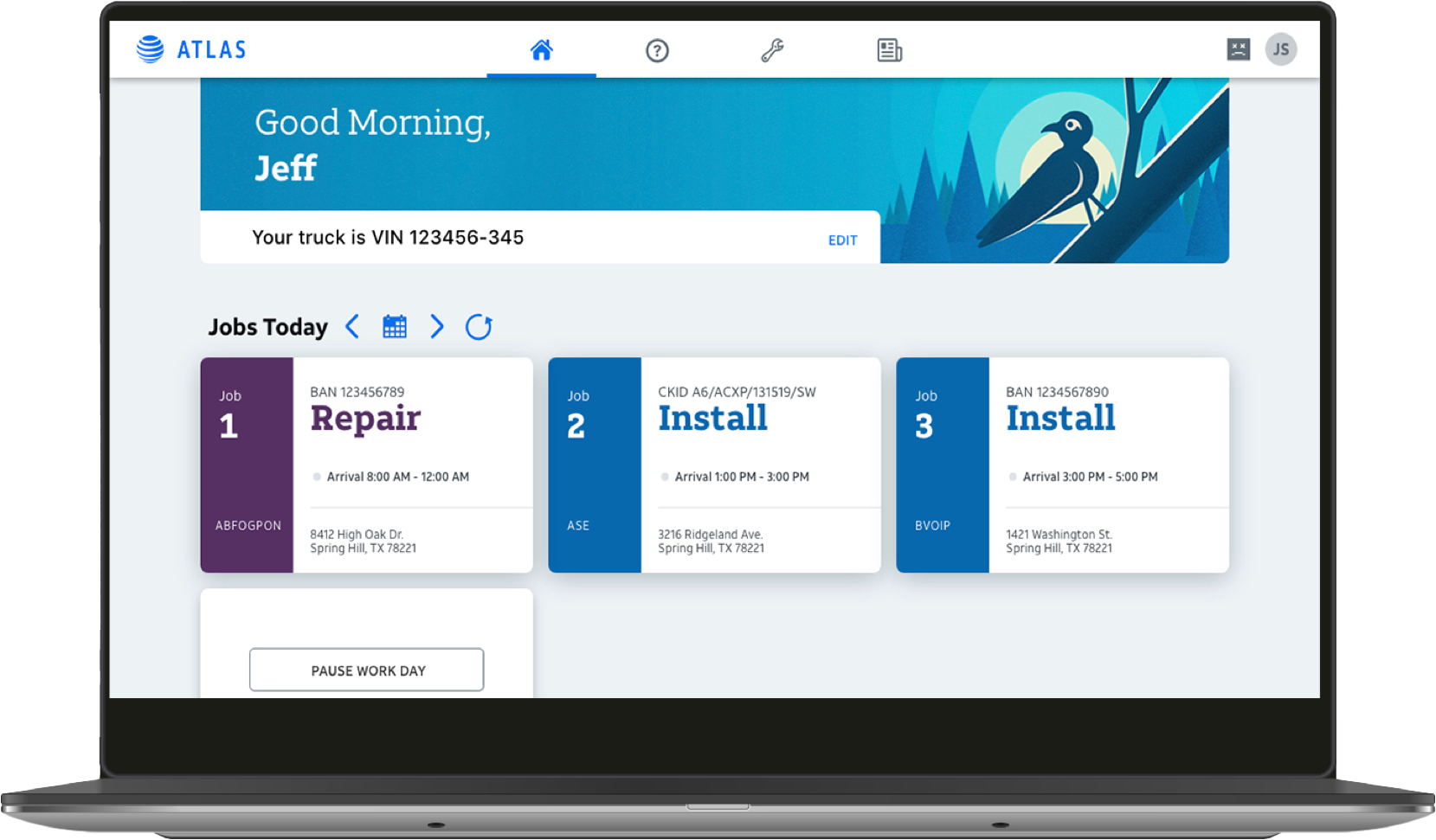
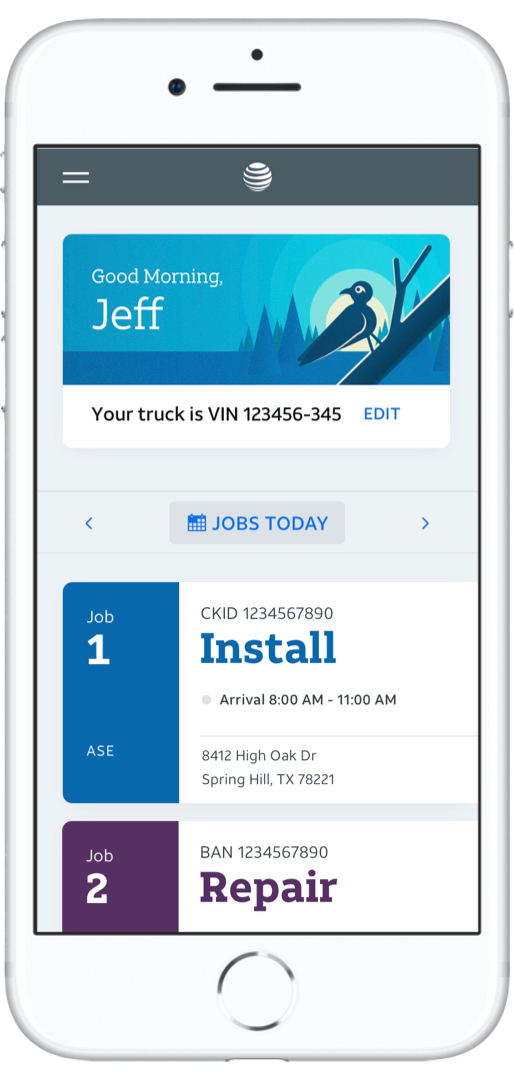
We started with a complex backlog and an existing mobile app designed for a distinctly different audience: residential technicians.
TEAM DYNAMICS
Building Better Practices
I met with the AT&T design team to validate the user story backlog and review existing research. The team was newly formed with members mainly from engineering backgrounds, so I used this as an opportunity to understand their approach to design problems and identify gaps in practice. Three key areas emerged:
Collaborative Storytelling
The team completed multiple research initiatives (user interviews, as-is scenarios, site mapping) but struggled to synthesize findings into a cohesive narrative that the team could act on together.

Tunnel Vision
The team focused narrowly on individual user stories without considering the holistic user journey or prioritizing based on user impact.

Hesitation to Prototype
Designers presented static concepts without context, leading to confused audiences and derailed meetings. They also rarely clarified business jargon, leaving gaps in their understanding of the problem.
The Approach
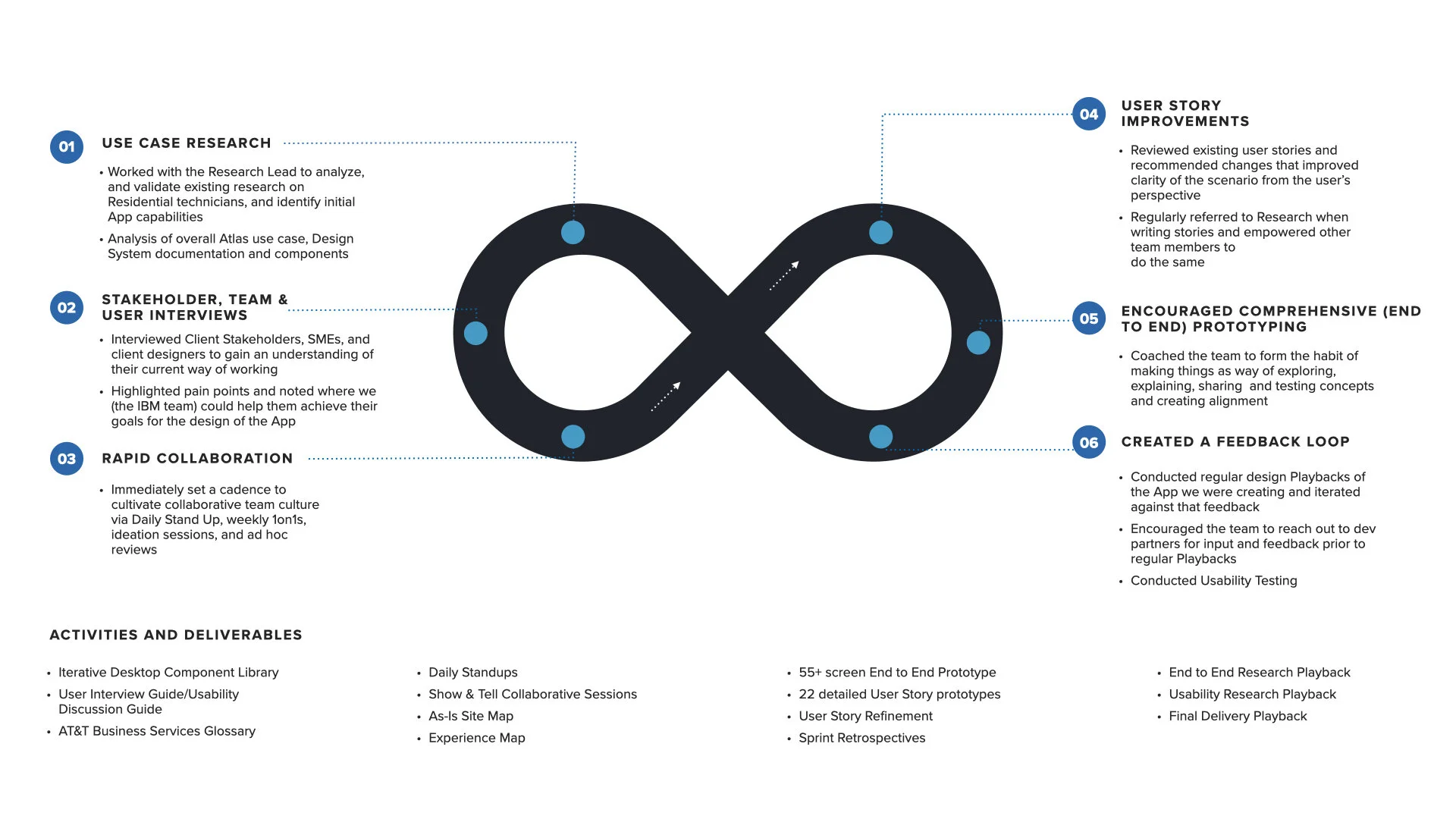
With an emphasis on the business technicians and how their motivations differed from those of the residential technicians, I guided my team through on journey of the loop—identifying users’ pain points and needs and visualizing the experience for users in a holistic, clickable prototype.
Discovery
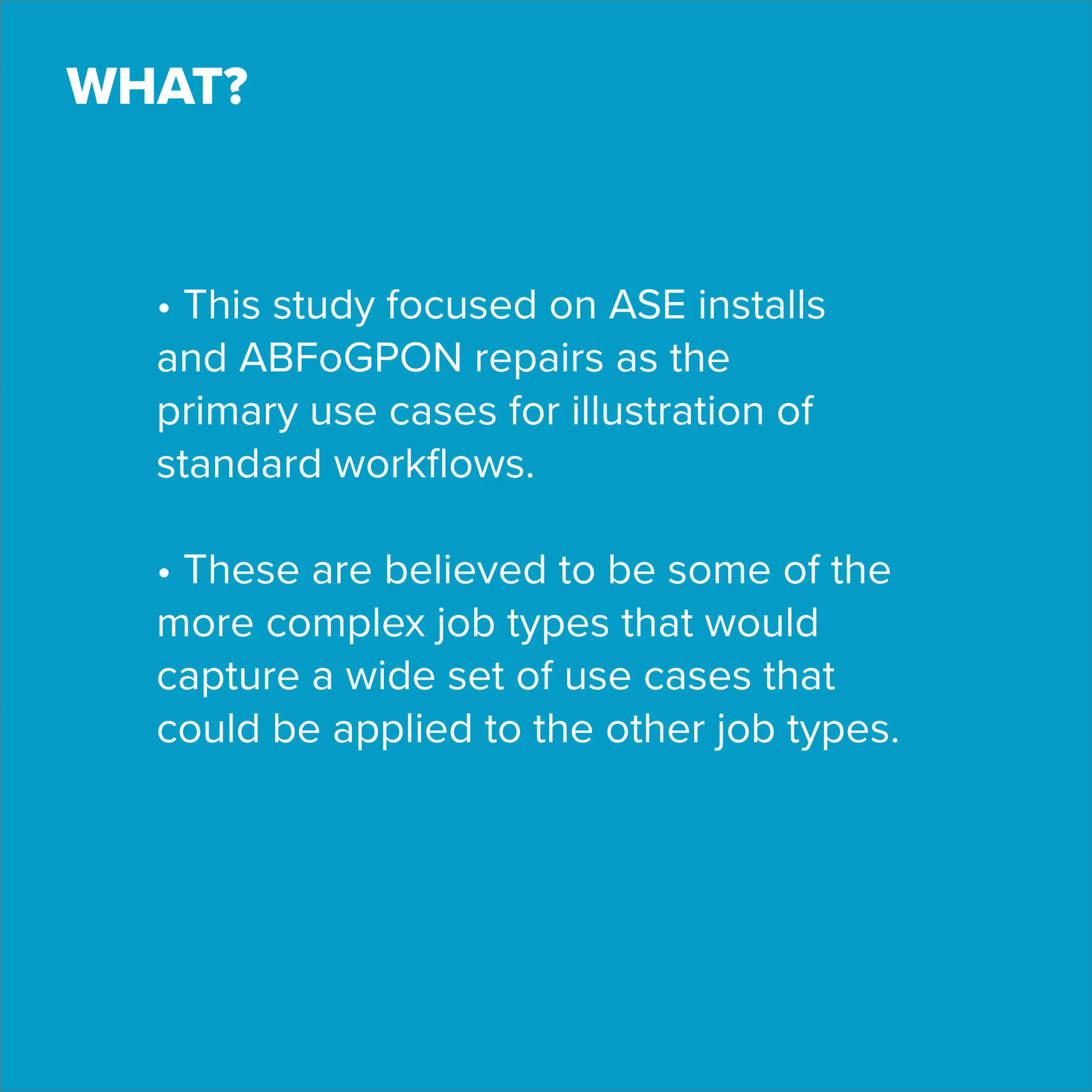
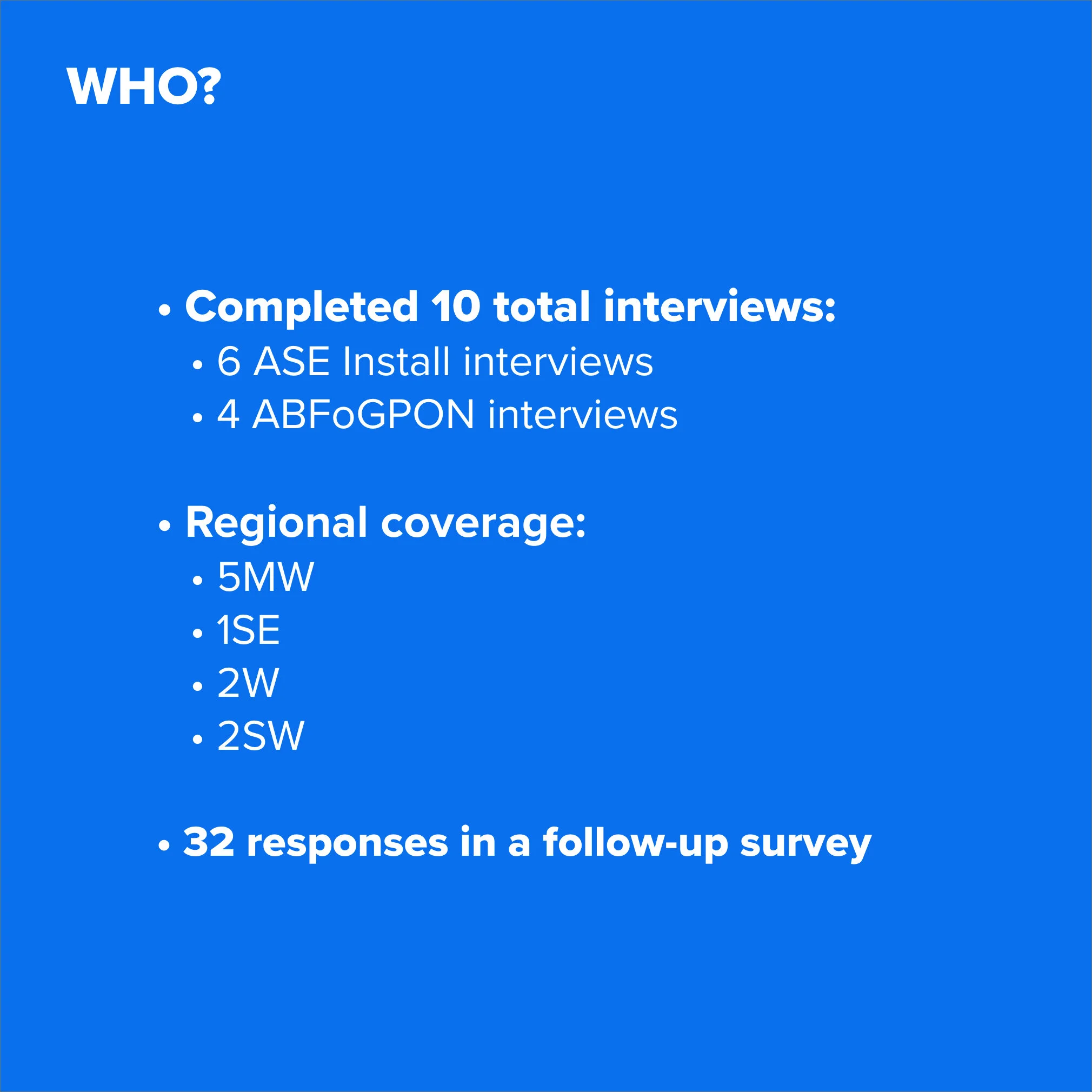
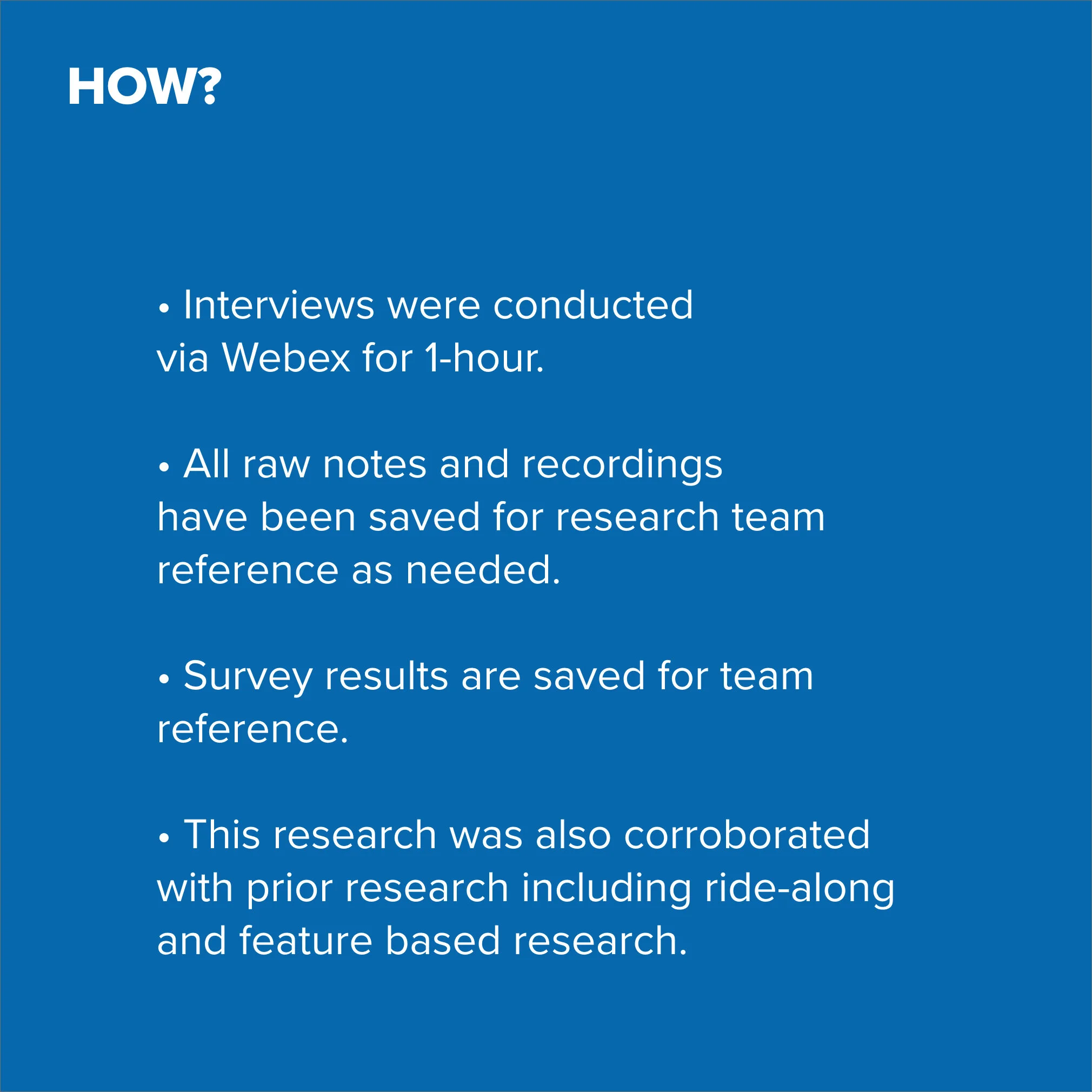
After reviewing the team's research, I identified gaps in understanding the technicians' context. I partnered with AT&T technical SMEs to map the existing experience from a technical perspective, developed a discussion guide, and conducted user interviews with ABS technicians.
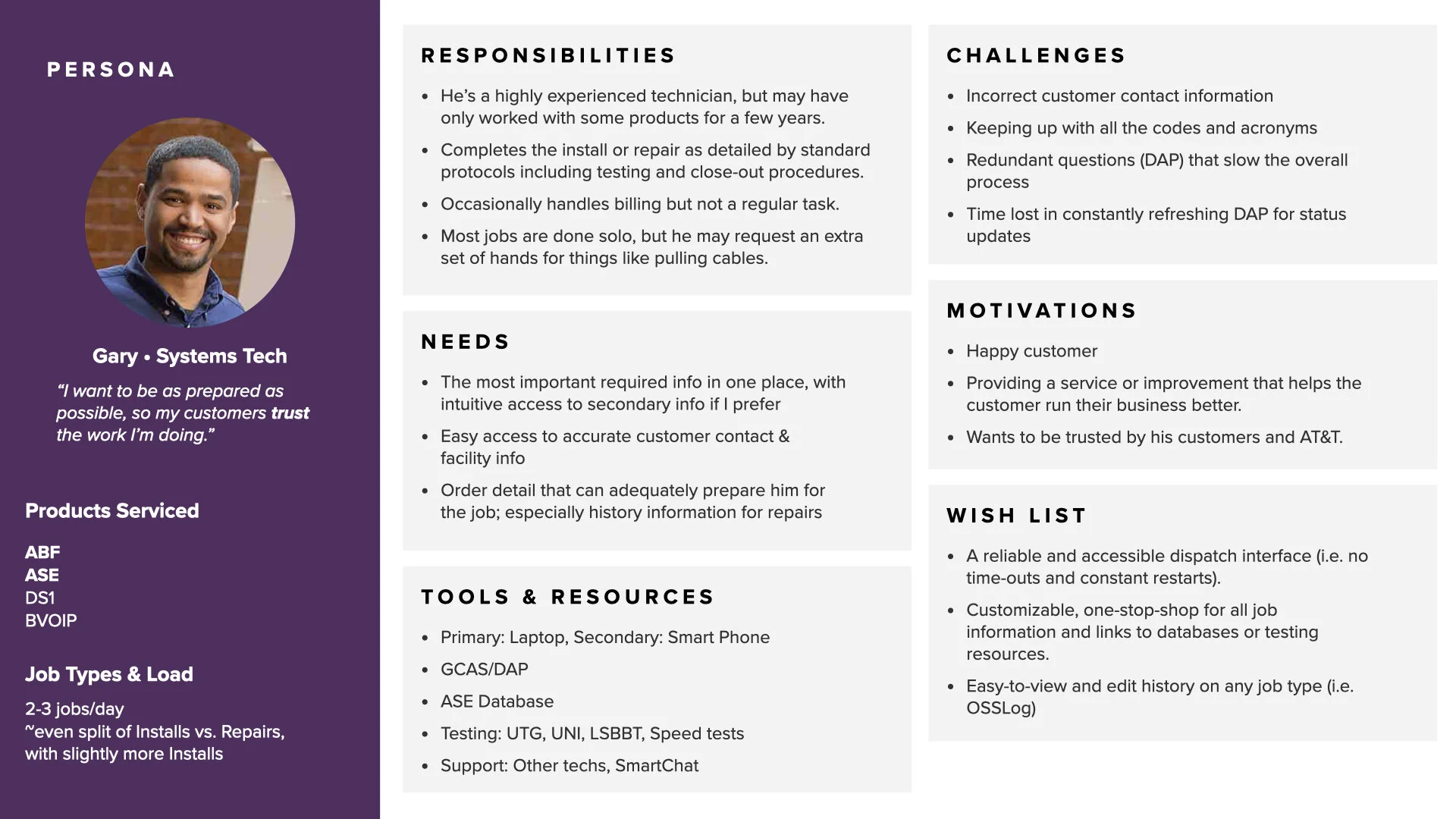
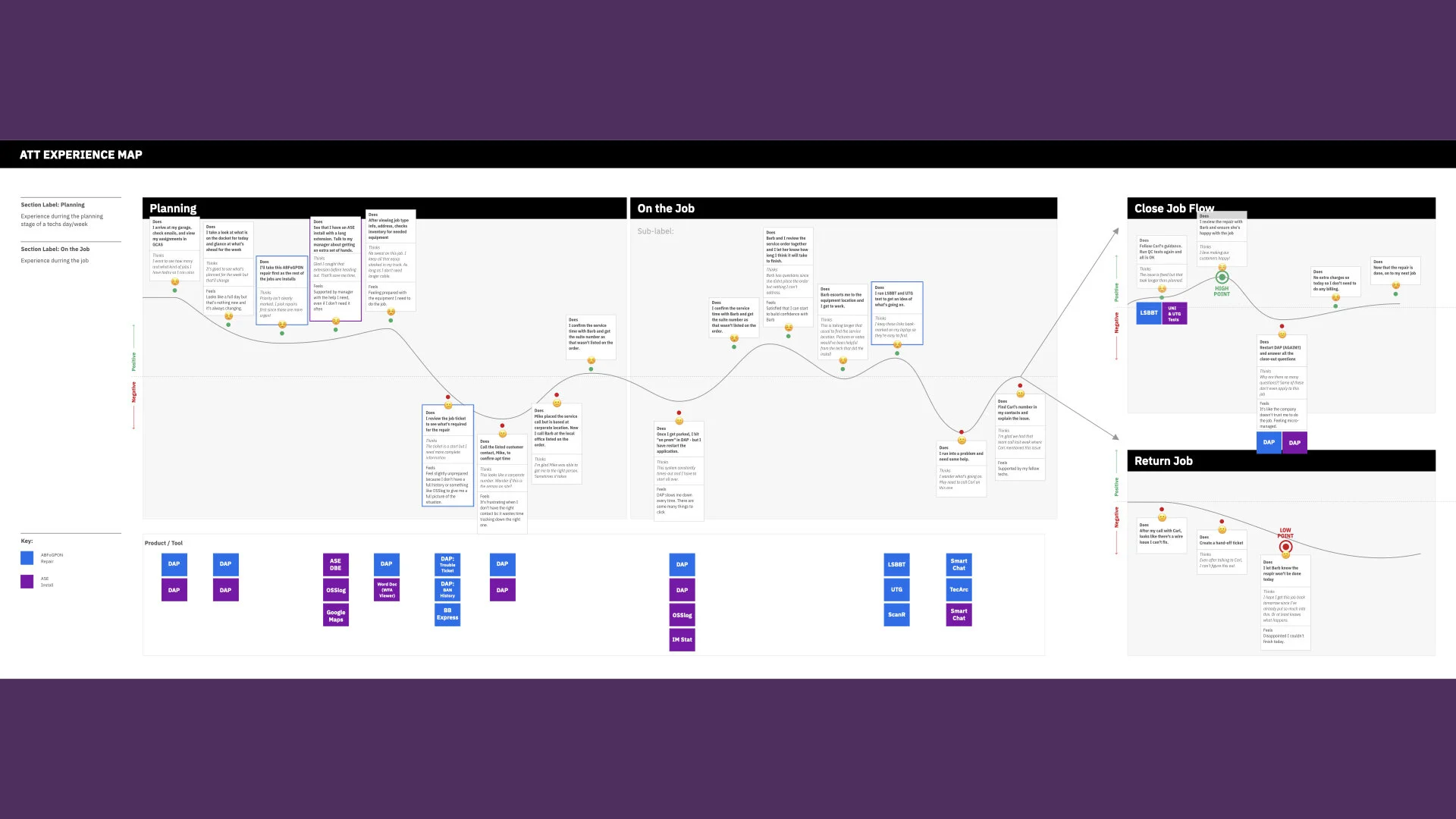
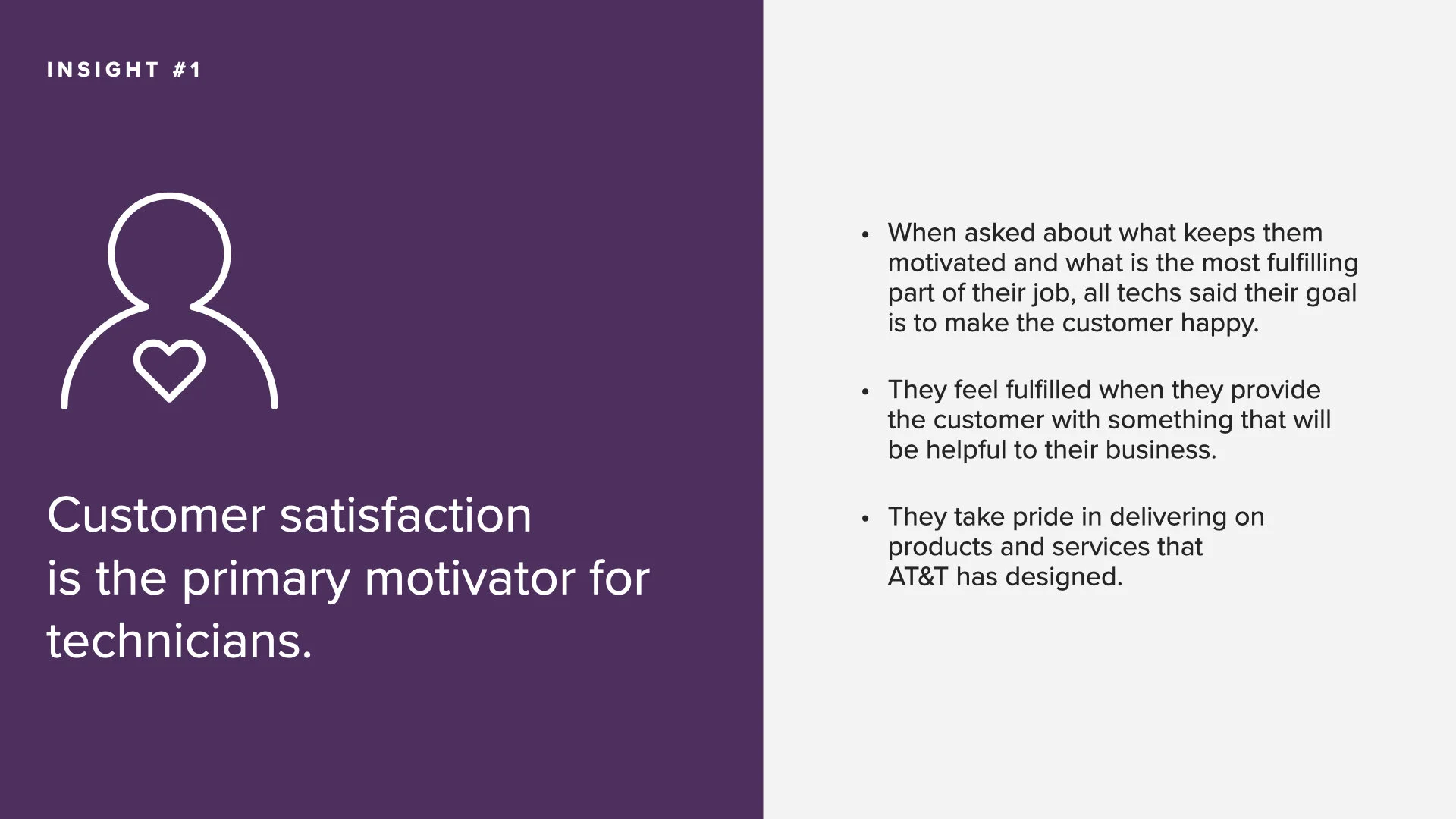
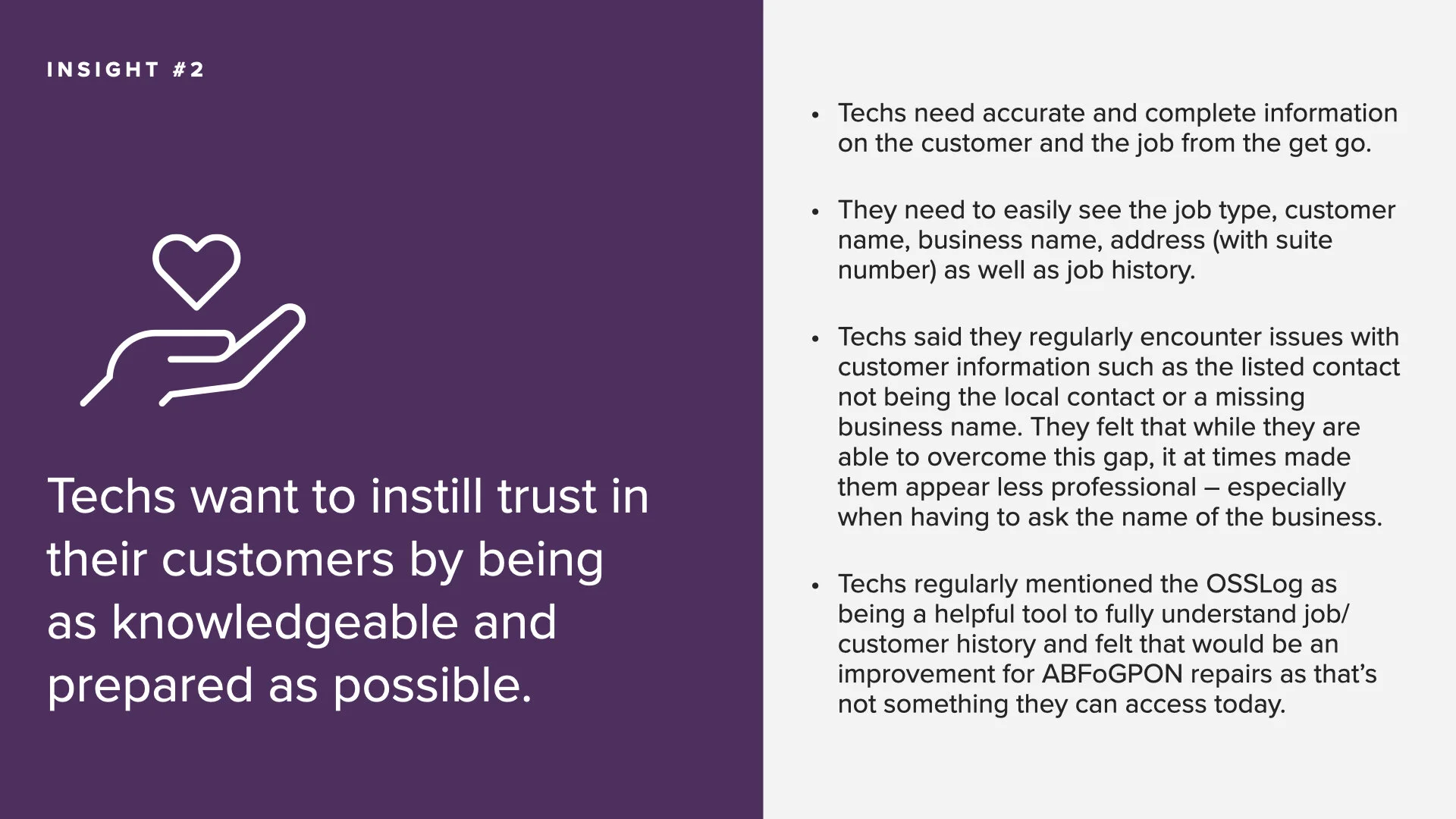
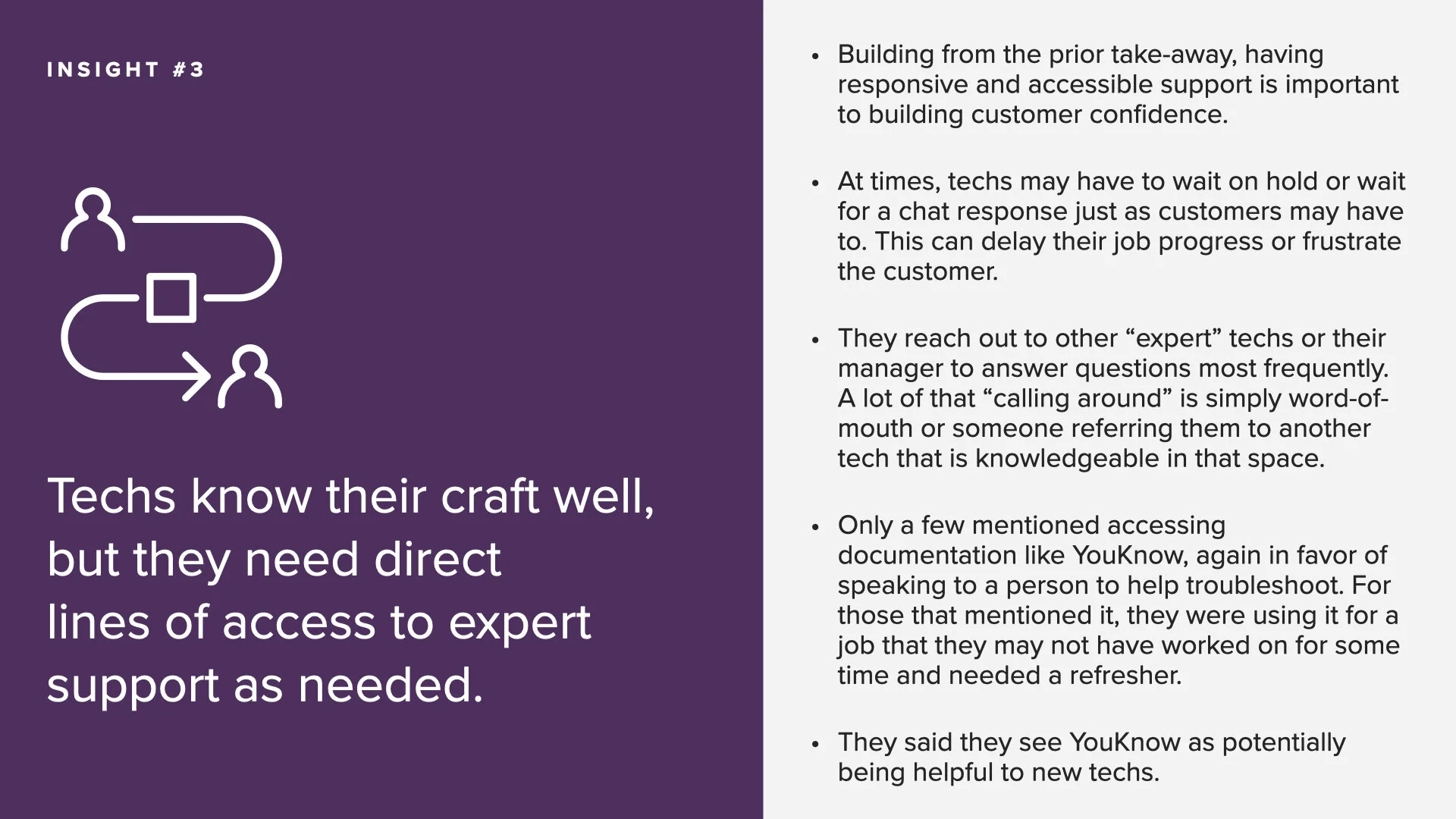
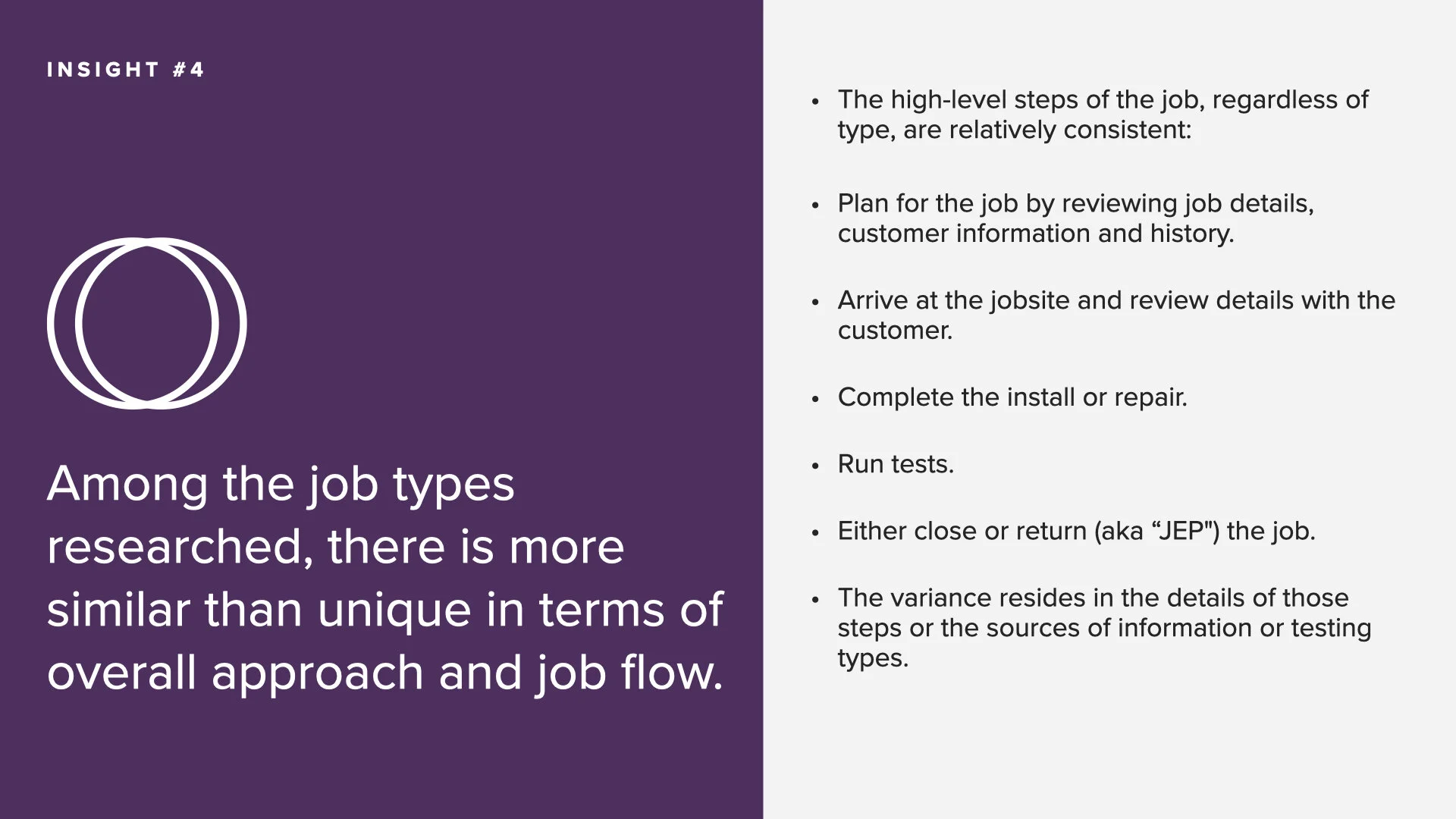
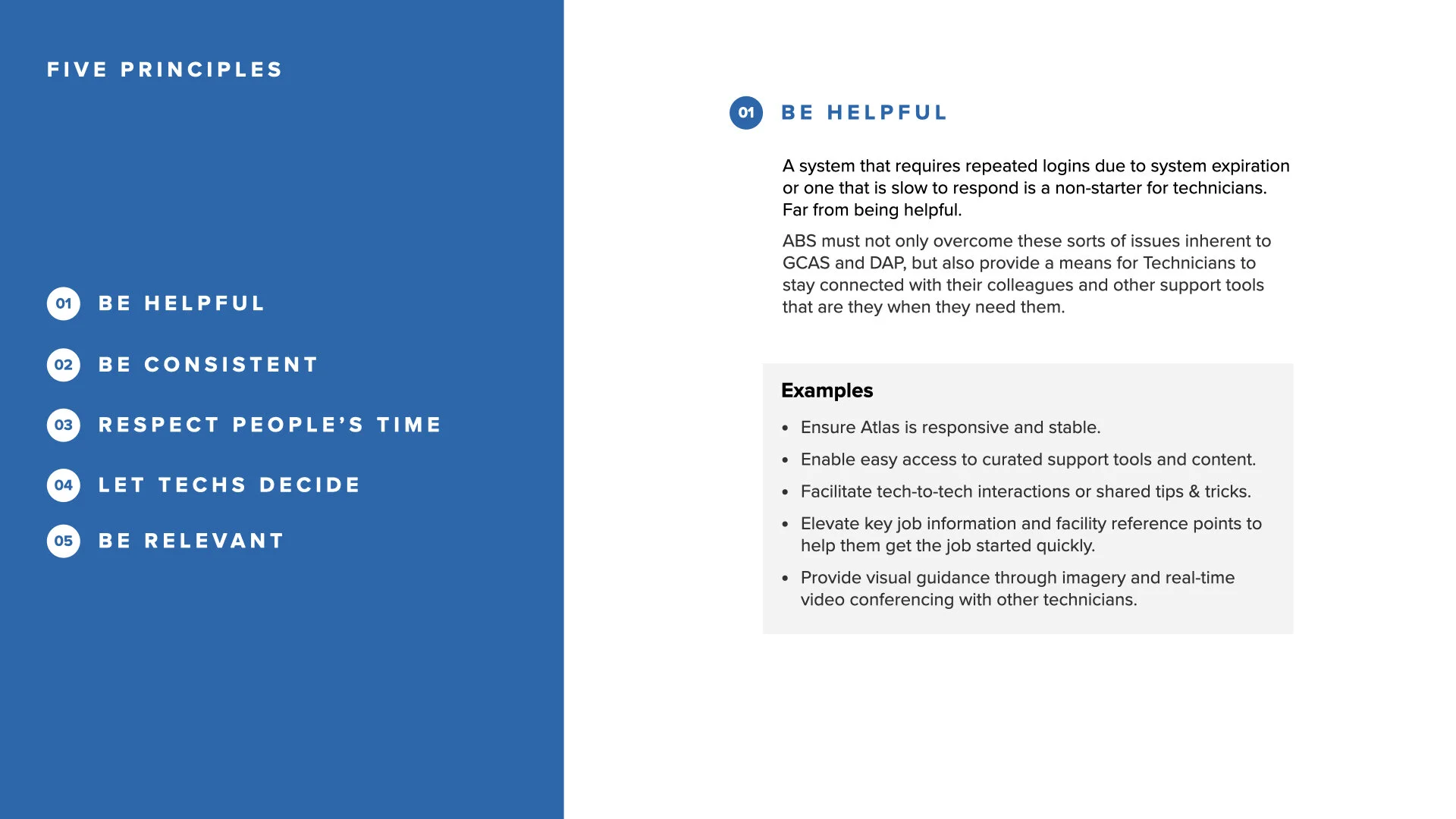
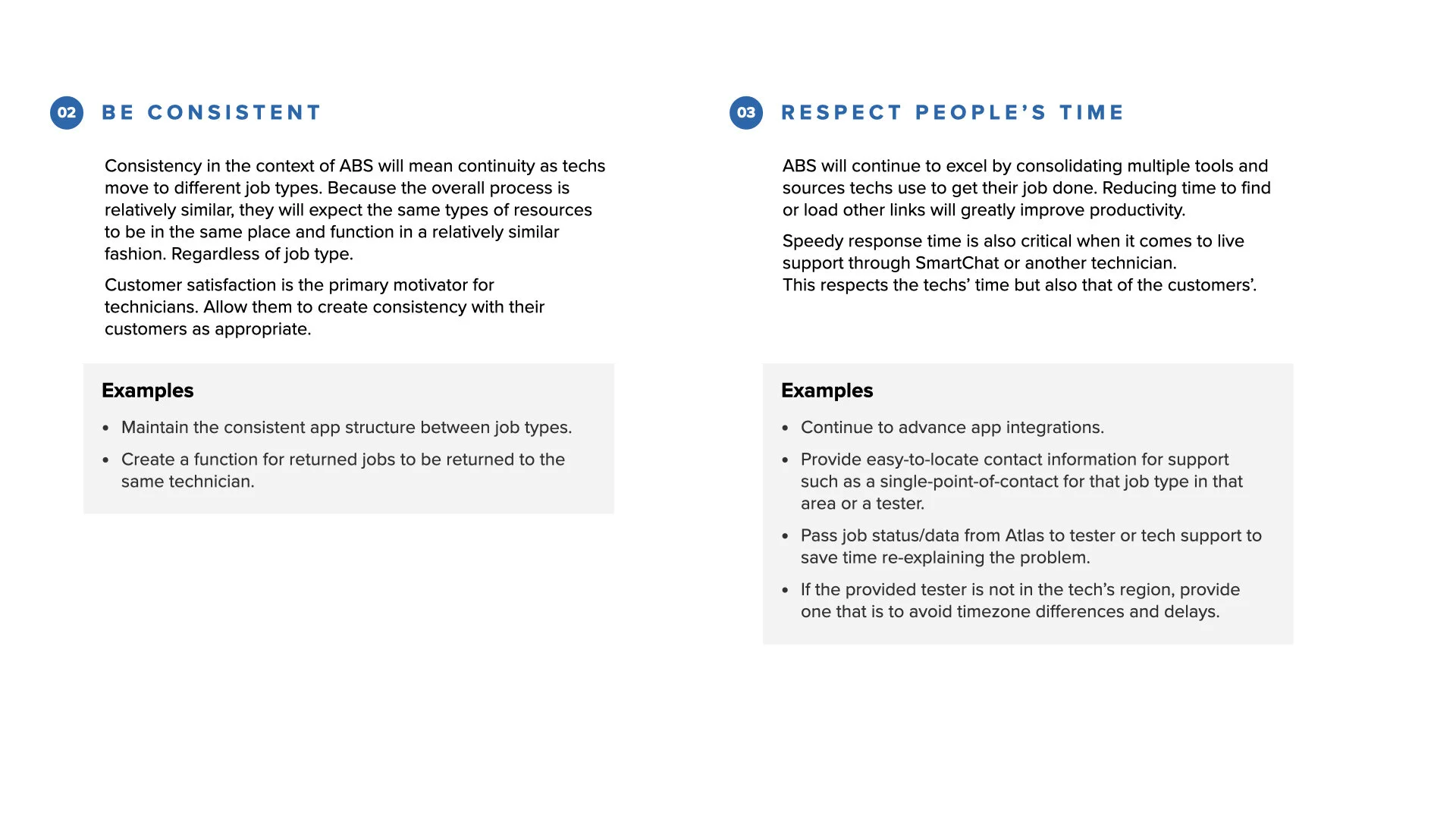
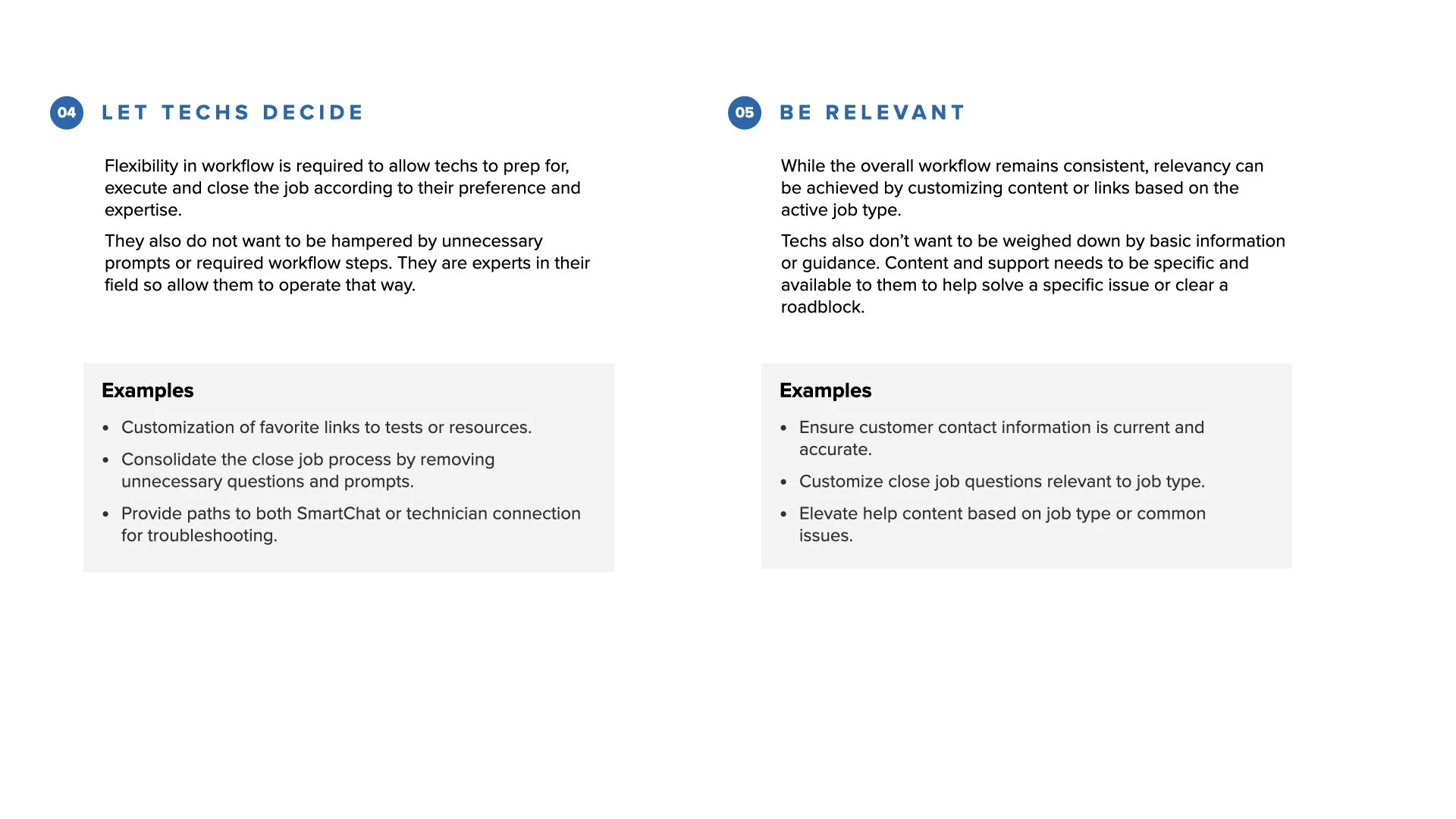
I presented findings to the AT&T team and stakeholders, including user personas, an experience map, key research insights, and recommended design principles.
Scaling a Design System
NEW COMPONENTS FOR A NEW SURFACE
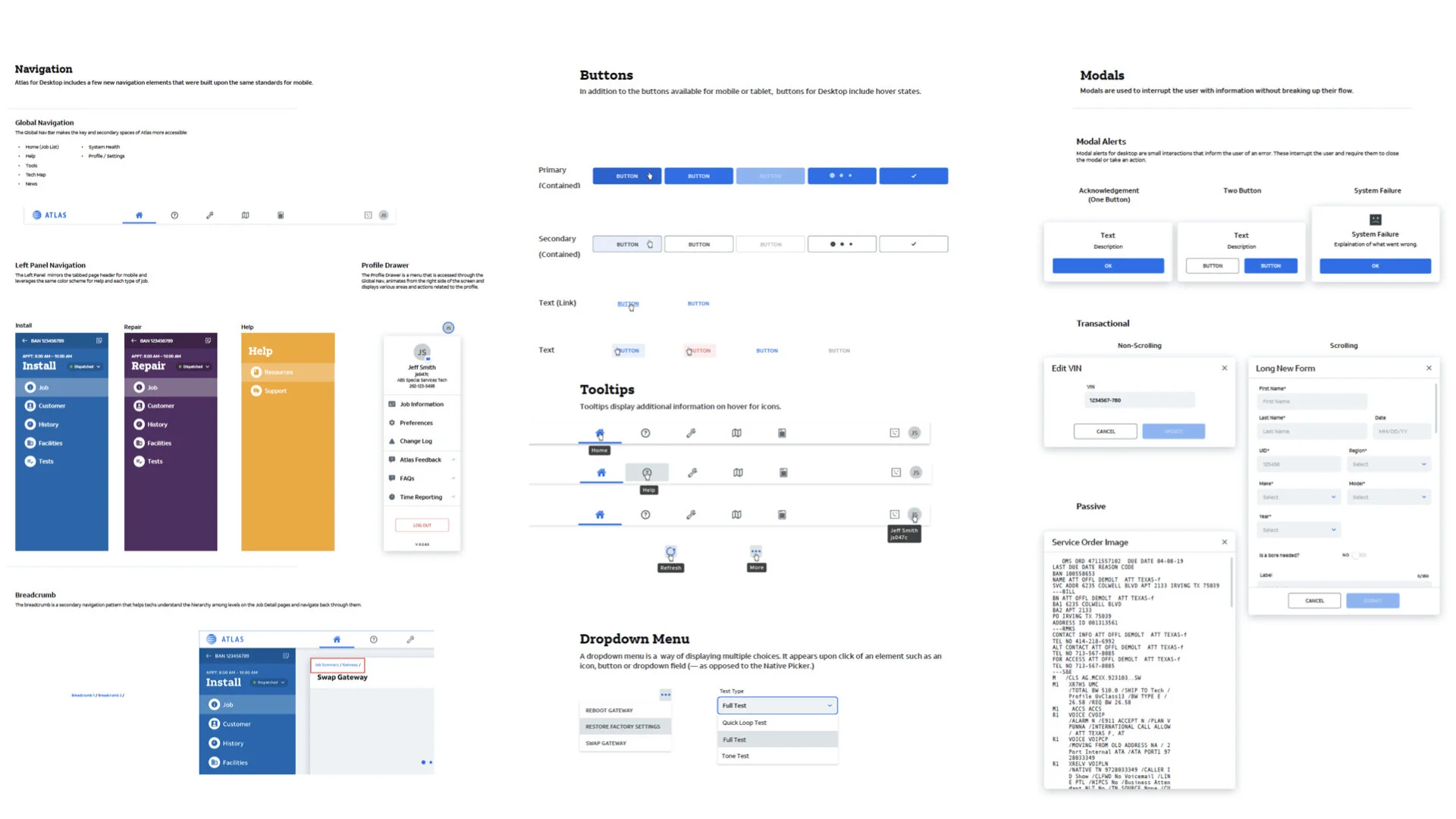
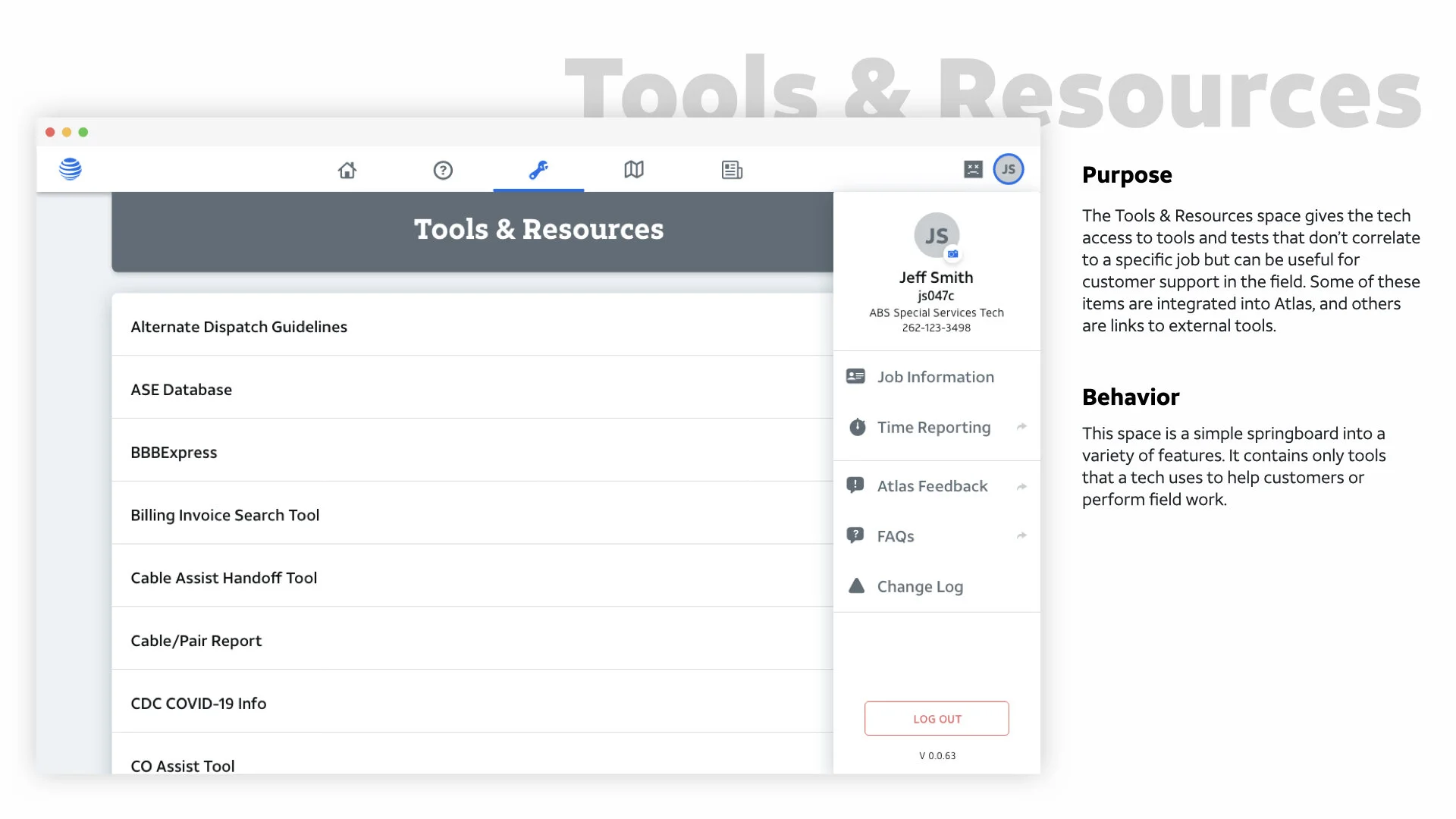
Our research confirmed that ABS technicians needed a laptop experience. They required larger screens to review complex job specifications and access to desktop-only tools unavailable on mobile.
I led development of the Atlas desktop component library, building on the existing design system while establishing design principles. Through weekly collaborative sessions, I kept the team aligned on iterations while creating space for mutual learning and concept development.
Rapid Prototyping
SHOW DON’T TELL
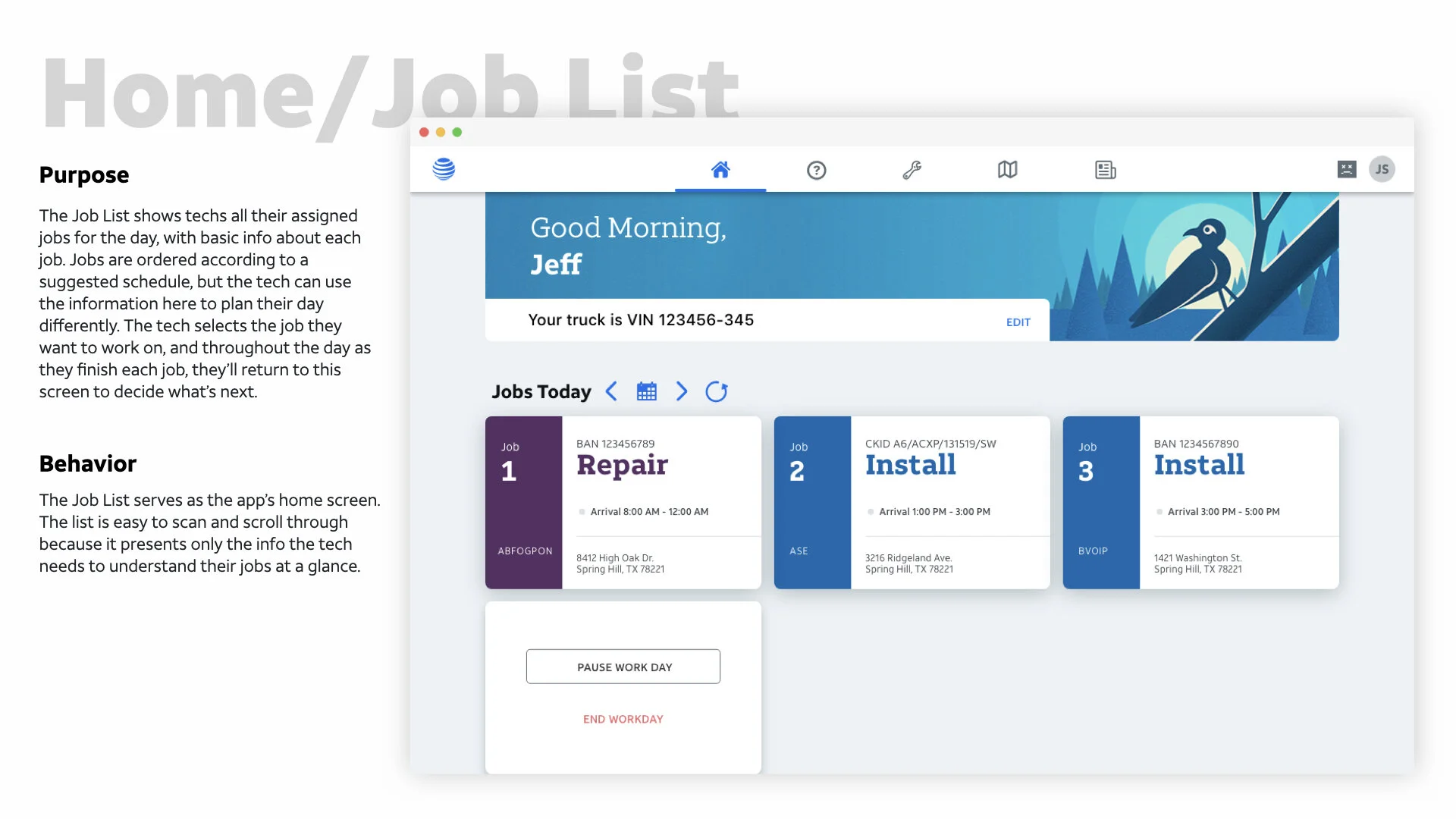
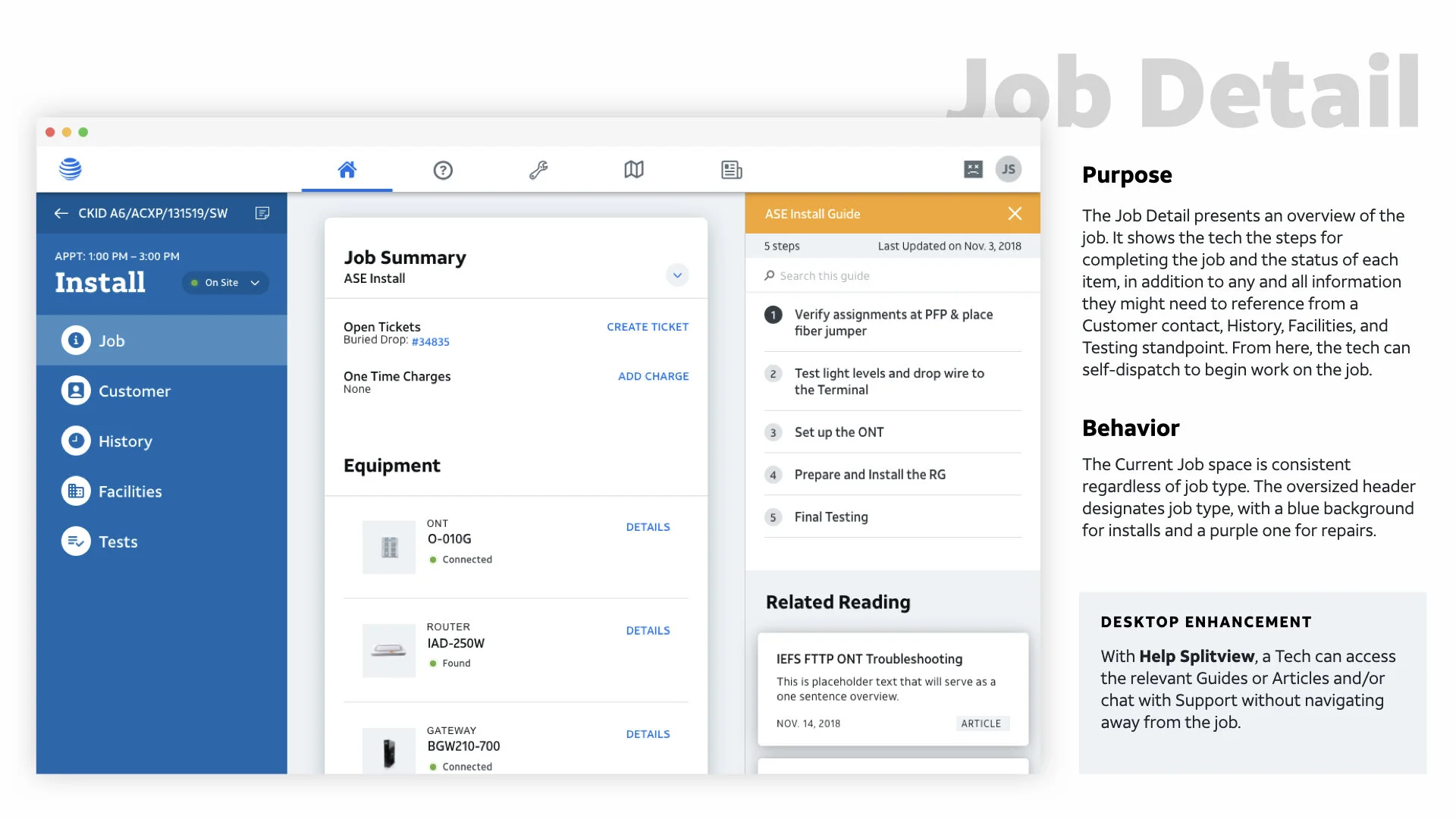
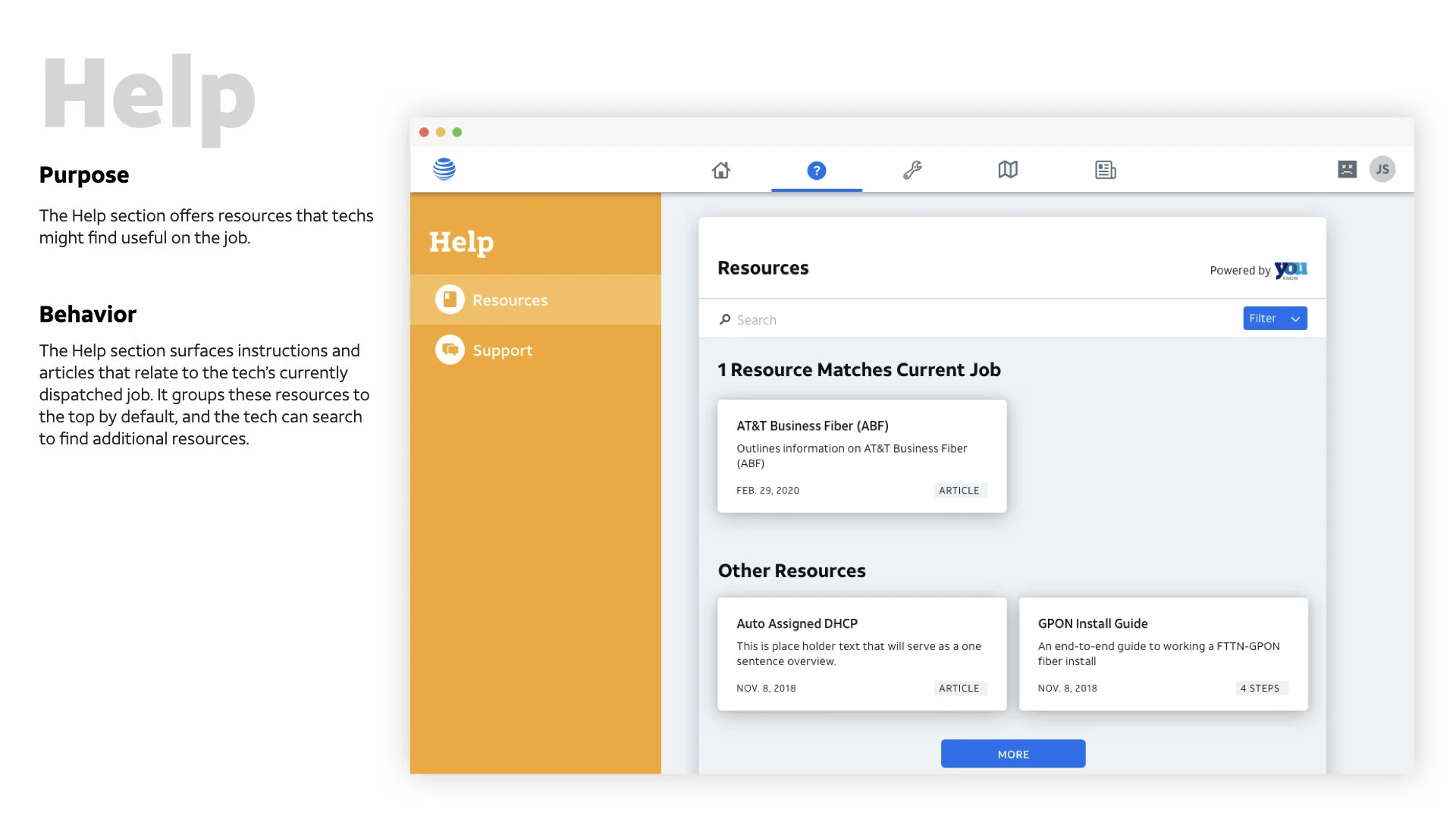
The team, mostly new to design, was hesitant to prototype. I created a 55+ screen end-to-end prototype in Adobe XD to demonstrate both the user experience and how the Atlas components would function together.
Seeing the prototype in action shifted the team's confidence. They started prototyping their assigned user stories, communicating more regularly with each other and the development team to iterate on edge cases. I held weekly 1:1s to provide ongoing guidance.
IN MY OPINION
The best way to understand if, how, and why a design language works is to prototype.
*🔓 AtlasABSDesign2020
Testing with Technicians
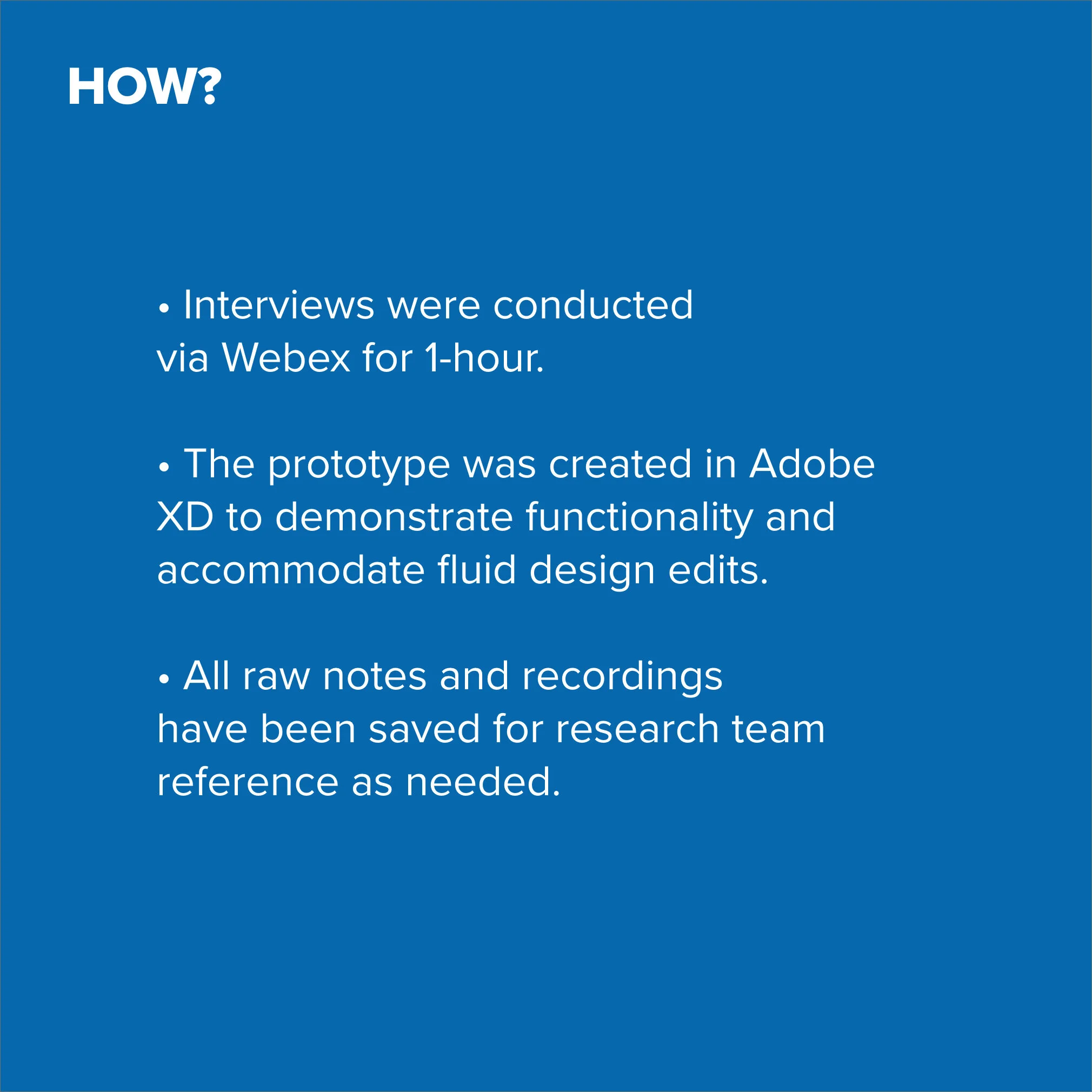
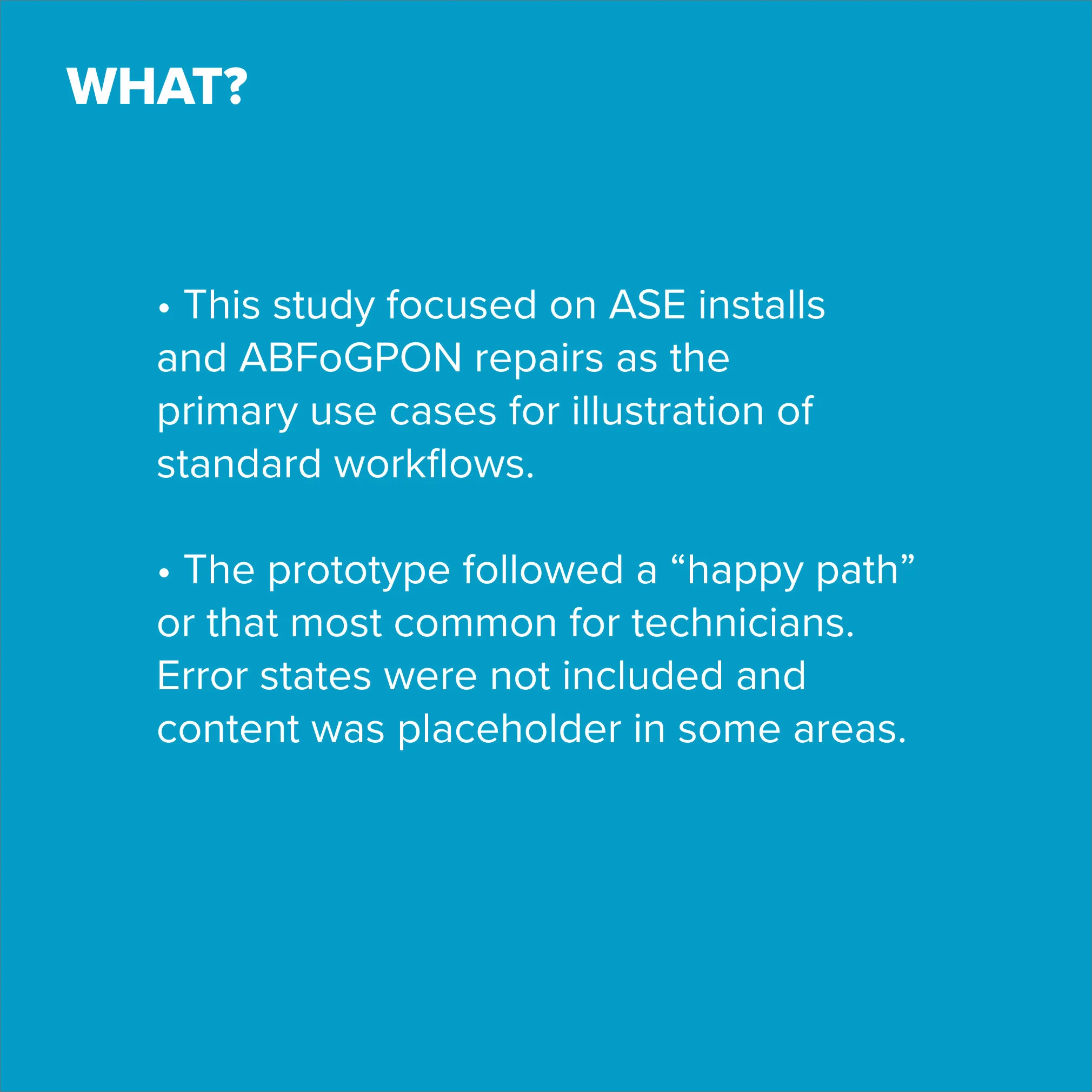
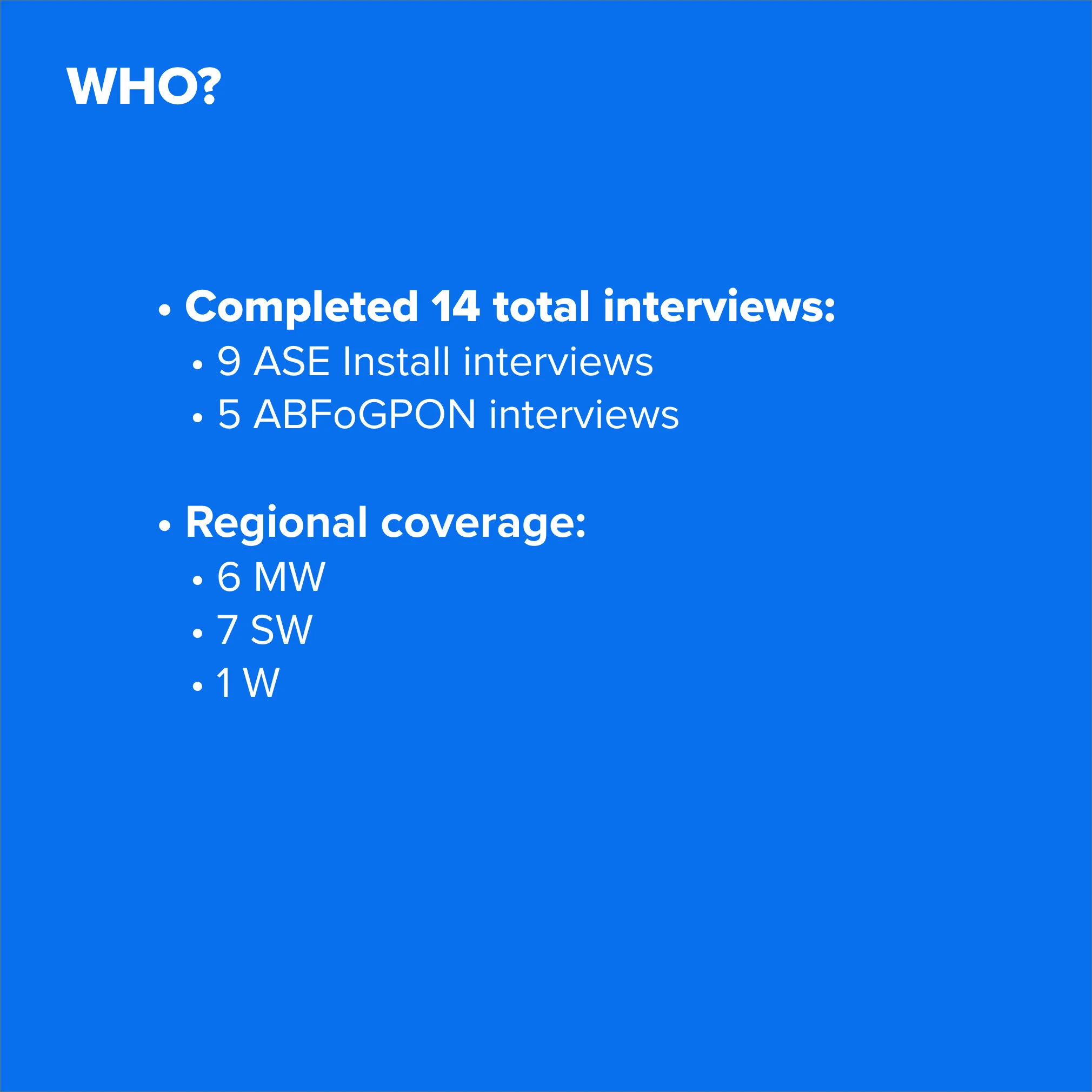
I developed a discussion guide and conducted usability testing with technicians to validate the desktop prototype's ease of use and functionality. Key findings and prioritized recommendations were shared with the broader team.
GENERAL THEMES
Validated Direction
Feedback was extremely positive, showing significant improvement over DAP and current processes.
Needs Refinement
The Status Pill and IMSTAT were well received, but how technicians interact with them needs refinement to avoid information conflicts and out-of-sync status reporting.
Enhancement Opportunities
Add functionality for techs to favorite or sort frequently used links and tools
Use Tech Map to locate technicians for support and expertise, not just equipment location.
Curate content based on job-specific needs.
Results
The team—now working collaboratively—delivered:
10
Desktop Components
55
Screen Master Prototype
22
Complex Edge Case Prototypes
14
Usability Tests
Discovery Playback
#1
10
End-to-End User Interviews
Delivery Playback
#3
Usability Playback
#2
What Our Clients Said:
“I think we learned a tremendous amount more [about design] from working with this IBM team, than we ever anticipated.”
— AN AT&T DESIGNER
“I’m beyond happy with what the IBM design team helped us deliver for Atlas. I know it was a team effort, but we would have not met our deadline for Desktop without them.”
— ATLAS ABS PROGRAM LEAD